
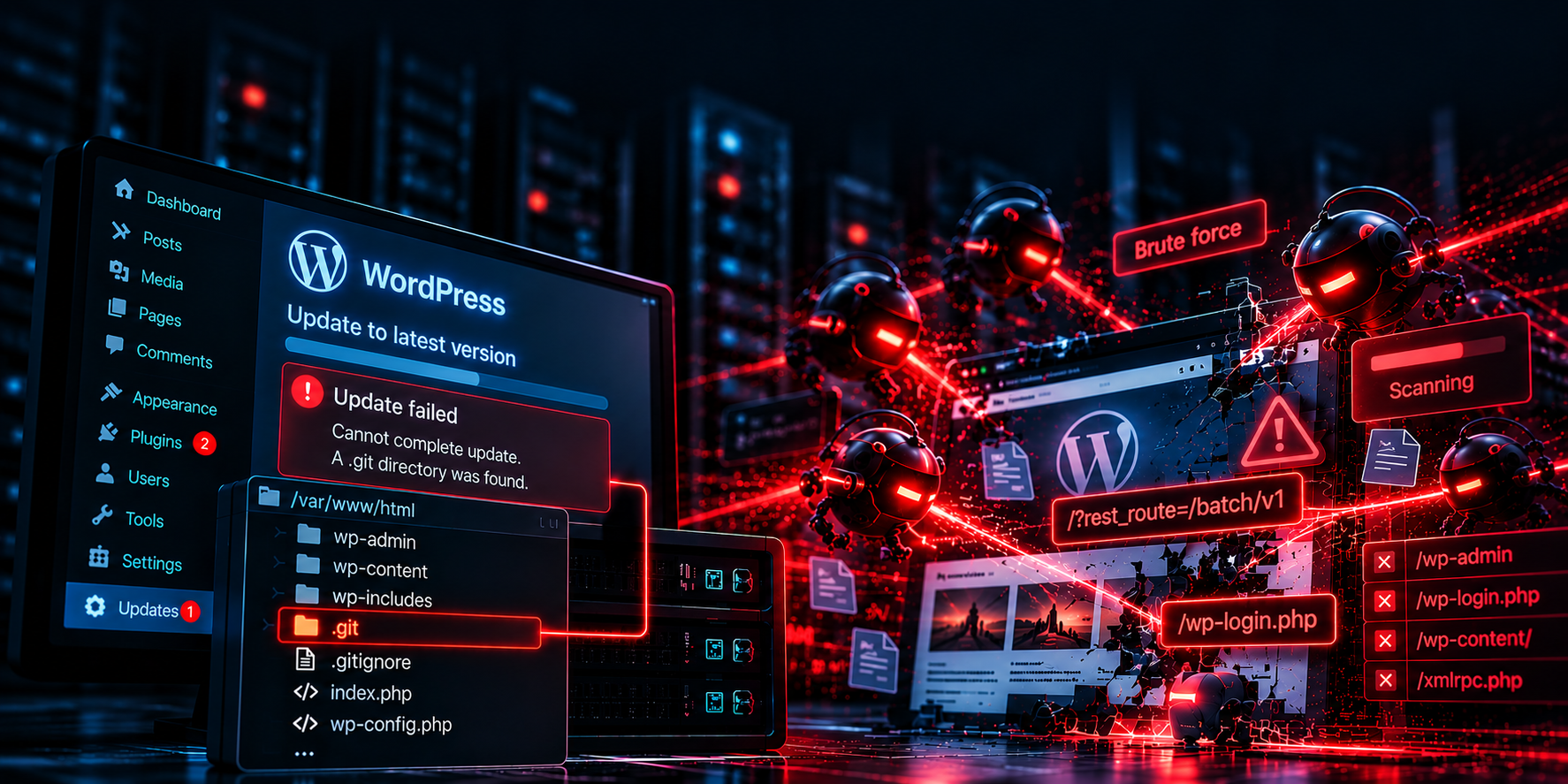

At the end of June 2026 I set up WordPress couple of sites, including this one, on one small DigitalOcean droplet. One gigabyte of RAM, no swap, light droplet for simple purpose. Took a couple of days. I built websites before, so I wasn’t worried: it’s WordPress, most of the internet runs it, it will be fine. For a few months it was fine.
Then, in mid August, I added one more website to the same droplet. I expected that I will need to scale the droplet up, but I left it as it is, to see how it performs. It looked ok for a first couple of hours, so I thought it will be fine.
On August 20 the website response started being really slow and graphs started going crazy at times. CPU spikes, disk I/O jumping right along with them, a bandwidth bump in the evening, and a few of MySQL processes getting wild, using up resources. “Ok, so the time has come”, I thought. But, first I reviewed the logs to make sure what’s actually the cause of it, because I know what they say about assumptions.
And that’s how I found out this very site had been hacked for five weeks. The funny part is that the hacker, I will refer to him as “the guy”, had nothing to do with the spikes!
The Spikes Were My Own Fault
I did the log analysis with Claude, starting with journalctl. Even on my brightest day I can’t crunch 70MB of logs, so I let my LLM friend, that I pay monthly, do it for me. From 19:12 to 21:57 that my kernel killed 26 MySQL processes. It was a purge. When Linux is running out of memory, it kills the process that uses up the most of it. That was MySQL process, so kernel killed it, restarted it, then ran a crash recovery that is heavy on CPU and disk, and then killed it again. That loop caused the spikes. This specifically happened because lot of bots bullied my server, because nginx just accepted all this and routed to WordPress.
Big chunk of memory was used by me using the website. I was working in Elementor and the Customizer while another site was being built in same droplet, and PHP workers grew to around 190 MB each. On 1 GB with zero swap, that game is over really quickly.
Droplet upgrade would have fixed it right away, and I would have stopped looking. But, I opened the nginx access log, to see what’s there.
Culprit in the Access Log
On July 19 at 11:25:58 UTC, an unknown IP sent a POST to /?rest_route=/batch/v1. My server answered with six responses of about 648 KB each. Seconds later, BAM! The same IP logged in to wp-admin as an administrator, uploaded a “plugin” called wp-static-cache-ed0594db and ran id through it to confirm it could execute commands. It could. Twenty-four lines of log, under a minute.
The exploit is called wp2shell, and it chains two bugs: CVE-2026-63030, a route confusion in the REST API batch endpoint reported by Adam Kues of Assetnote / Searchlight Cyber, and CVE-2026-60137, an SQL injection in WP_Query. WordPress fixed it in 7.0.2 on July 17 and, according to Patchstack’s write-up, pushed a forced update to affected sites. CISA added both CVEs to its Known Exploited Vulnerabilities catalog on July 21.
Here are the specifics of the attack:
| Time (UTC) | What happened | Request and response |
|---|---|---|
| 11:25:58 | Probes the REST batch endpoint | POST /?rest_route=/batch/v1 → 207, 27 bytes |
| 11:26:00 | Starts pulling data out of the database: six responses of about 648 KB each, at :00, :03, :17, :25, :28 and :30 | POST /?rest_route=/batch/v1 → 207, 647,798 bytes |
| 11:26:31 | One last batch call (3,672 bytes), then opens the login page | GET /wp-login.php → 200 |
| 11:26:32 | Logs in as administrator. WordPress answers 200 to a failed login and 302 to a successful one. | POST /wp-login.php → 302 |
| 11:26:33 | Opens the plugin uploader | GET /wp-admin/plugin-install.php?tab=upload → 200 |
| 11:26:37 | Uploads the backdoor “plugin” | POST /wp-admin/update.php?action=upload-plugin → 200 |
| 11:26:37 | Runs id through it. Remote code execution confirmed, 39 seconds after the first request. | GET .../wp-static-cache-ed0594db.php?c=id → 200, 82 bytes |
| 11:26:38 | Reads wp-config.php to find the site folder, and the database credentials with it | shell command |
| 11:26:39 | Writes the fake “WP Security Hardening” mu-plugin | shell command |
All times July 19, 2026, UTC. Two more IPs repeated the same sequence at 16:14 and 23:08 that day.
The .git Folder That Switched Off My Updates
WordPress published the update, but my site never updated.
The theme I used came with a .git folder, which sat in the root of my site. I noticed it and I never deleted it because “it’s just a folder”, I thought. Little that I knew is that before any automatic update, WordPress checks the install folder and every folder above it for version control folders like .git. If it finds one, it assumes you manage the code yourself and skips automatic updates, security updates included.
I mean, it makes sense.
For a few minutes I blamed the theme publisher for a .git folder, but we all know… It’s my fault.
Another site of mine, on a separate server and without the stray folder, was on the patched version by 03:16 on July 19. The first wp2shell request to that site reached it at 05:55. Lucky me.
Five Weeks of The Guy
The guy settled in. First came wp-content/mu-plugins/wp-security-hardening.php, which claims to close the batch hole so no other attacker can use the door they came through. Thoughtful gesture. But, this makes the guy only person who ever installed a security plugin on my site. Yeah, me included. The guy then created even more backdoors, in case I figure out what is happening, including a modified WordPress core file on August 18. Eleven malicious files in total.
The guy also faked the date of new malicious files from a neighboring files down to the nanosecond, so it blended into the August 15 update. Only ctime , which can’t be set without root, gave it away: 10:57:42 on August 18, the same second the attacker’s shell was taking requests.
So the guy set up the environment waiting for better days. And me? Since August 20, I was reading logs, researching, prompting, watching server situation daily and making plans to create a new, safe droplet to so this can never happen again.
I didn’t have to wait long, because on August 22 at 09:25 the guy added the one that actually hurt: a plugin that put two hidden 1×1 pixel iframes from ad-fraud domains into every page. The log shows the exact second. My homepage went from 25,214 to 25,527 bytes at 09:25:40, so every visitor got those iframes for about 30 hours. When I pulled the logs on August 23, the shells had last answered 26 minutes earlier.
That was it. I switched the server off immediately.
Things That Could Be Done To Prevent This
In my case nearly any of those would have left the attacker not becoming the guy:
- Update WordPress, of course.
- Install a security plugin. For almost four weeks, a scanner on about 47 UK home IP addresses kept requesting the Wordfence logo and the files of two mitigation plugins, to learn what I had installed. A plugin leaves files anyone can fetch. An nginx rule that returns 403 leaves nothing to fingerprint.
- Block
/wp-json/. WordPress treats/?rest_route=as the same thing, and that’s the spelling they used on me.
A Week of WordPress Security With Claude
I got to admit, I didn’t know most of this a month ago. I’m a Unity developer who did some amount of web and Linux, yeah, but I wasn’t responsible for web security until now. My server knowledge was mostly “install nginx, paste a config, it works.” I went through investigation with Claude. I pasted logs and command output, it read them with me and explained, and I kept asking questions. Why MySQL gets killed and not PHP? What ctime is? Why a file can run on every page and stay invisible in the dashboard? What ?rest_route= is? I am a fast learner when something real is on the table, and having my server hacked is pretty real,
It also found my backup. The access log showed me downloading an 84 MB Duplicator archive on July 1, 18 days before the break-in, while I was sure I had no backups at all. It sat in my Downloads folder and turned “rebuild from scratch” into “import and redo a few weeks of edits.” Lucky me!
All in all, it took about a week and a lot of overtime hours to understand what happened and build a server where it shouldn’t happen again.
What Runs on the New Server
I didn’t try to clean the old one. After the forged core file I didn’t trust anything on it. The new droplet is One core, 50 GB disk size and 2 GB RAM, with a fresh WordPress install and content imported by hand from the July 1 backup.
- No
.gitin web roots. I will remember this forever. - Automatic security updates for WordPress core.
- nginx blocks the batch endpoint in both spellings, plus
/xmlrpc.php,/wp/v2/users,/?author=1 - Rate limits on login, per IP and access to xmlrpc blocked. The old server took 24,727 login attempts and 657,632 xmlrpc requests in two months.
- Scheduled backups once a week, on the server.
- SSH on custom port, password login off. Password login was off before too, and that’s why the 1,055 IPs that tried SSH got nowhere.
FAQ, Including the Embarrassing Parts
Did you really delete a Linux user because it looked suspicious?
Yes. I spotted /home/ubuntu, decided in a second that it was the attacker’s account and deleted it. At the time I was in panic mode, not sure what was compromised and how it could affect me or my users. In my defense, on another droplet that used different version of Ubuntu, there was no /home/ubuntu folder. So, was it paranoid move – yes, but not that much. Turned out that kernel update I initiated added the /home/ubuntu folder.
Did you panic again after the migration?
Sure. On September 30 every site on the new server went down at once, and I was sure the guy is back. What happened is that an automatic OpenSSL update had restarted nginx and the DNS resolver at the same moment. nginx checked its config in the one second the resolver was down, hit a nginx proxy_pass pointing at my own domain, couldn’t resolve it and refused to start. So yes, automatic updates took my sites down, with some help from my own config. I’ve fixed it now.
So should AI just run your server?
This is a tough one, but I would say no. At least not yet. It was a great teacher because I asked specific questions and checked all the answers, that’s why it took that much. I simply needed to understand what is happening. initial idea to check the logs was mine and initiated this process. Of course, no one can deny that it is way faster in most tasks, it can be really useful to automate process, but for me, it is of essence to know your agent’s output and what it’s doing.
Read Your Logs Every Two Weeks
Nothing on the site looked wrong. No defaced homepage, no ransom note. I found out because I got curious about a CPU graph instead of straight up scaling the droplet.
My advice: read your server logs every couple of weeks. Not monthly, because Ubuntu’s default nginx setup keeps only 14 days of access logs. These two commands cover both of my problems:
sudo journalctl -k --since "14 days ago" | grep -i "killed process"
sudo zgrep "batch/v1" /var/log/nginx/access.log*
The first lists every time the kernel ran out of memory and killed something. The second lists every request to the endpoint that got me. If you see POST requests there from IPs that aren’t yours, don’t scale anything yet. Go look.